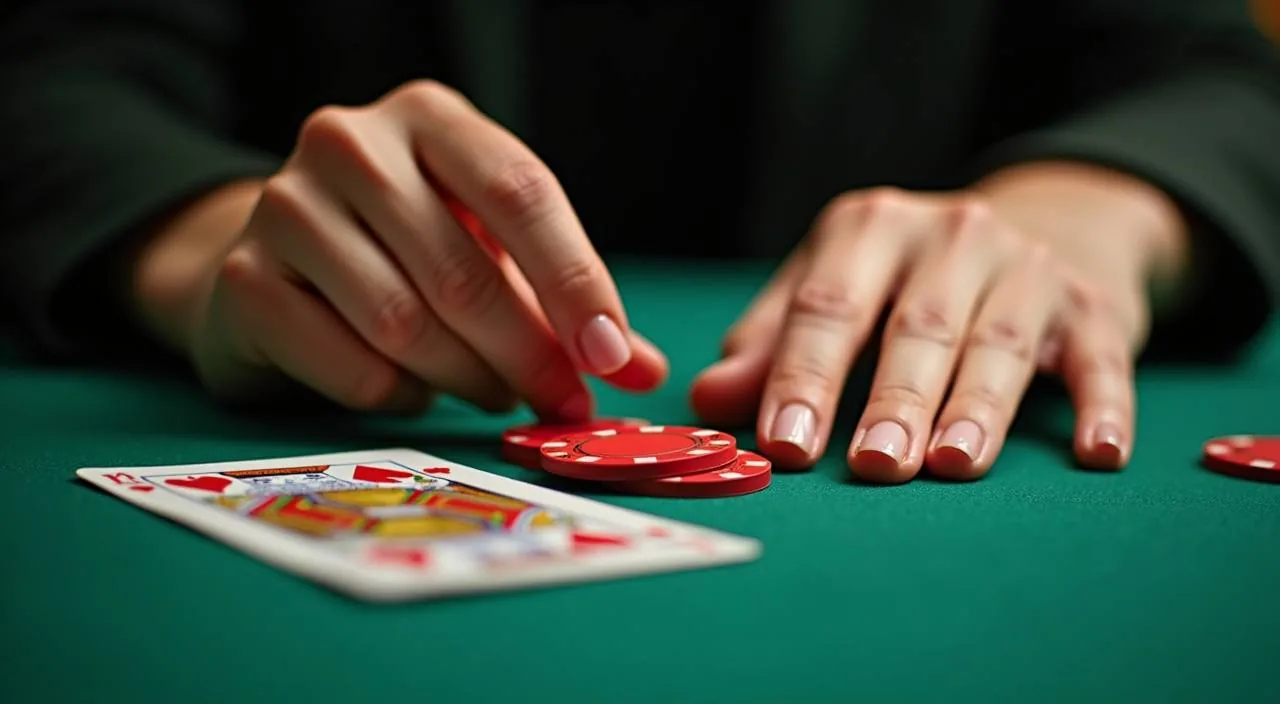
Teen Patti Flare puts a fast-paced three-card format on your screen with clearly published betting controls and visible hand rankings you can check before you sit down. Open your account, head to the card games section, and you will find it listed with its current table limits shown.
Teen Patti Flare sits in the card games and live table category within the be345 lobby. It follows the familiar three-card structure that South Asian card players recognise, where each hand is resolved against the dealer's
HOW THE GAME RUNS
Teen Patti Flare Betting Mechanics
Each round of Teen Patti Flare moves through a structured sequence: ante placement, card deal, hand review, then the call-or-fold decision. The Flare side element sits alongside the main round and requires a separate stake decision at the point the hand is revealed.
Ante and Call Structure
You place the ante before cards are dealt, then decide to call or fold once your three cards are visible.
Flare Side Round
The Flare element activates when your hand meets a defined condition shown in the rules panel. It is a separate stake decision made at the reveal stage, not an automatic deduction. You can skip it and only play the main hand — the choice is yours each round.
Hand Ranking Order
Trail ranks highest, followed by pure sequence, sequence, colour, pair, and high card. These rankings are fixed and visible in the information panel inside the game. Knowing this order before you sit down helps you read the call decision more clearly at the reveal.
Mobile Betting Panel
On a mobile browser, the action buttons — ante, call, fold, and Flare stake — are arranged in a single horizontal row at the bottom of the screen. The layout adjusts to portrait and landscape. No app download is needed; the game loads through the mobile browser in your account session.
TRANSPARENCY AND CONTROLS
Information You Can Verify
We show RTP information for Teen Patti Flare only where the game itself or the supplying studio exposes that figure in a published format.
RTP Visibility
RTP for Teen Patti Flare is shown only where the game's own information panel publishes it. We do not display an invented figure. If the panel is blank for that field, treat it as unpublished for that table configuration.
Stake Range Display
Minimum and maximum stakes for each Teen Patti Flare seat appear on the table card before you join. Compare this to your current wallet balance in the account section so you enter the round with a clear picture of what one hand costs.
Round History Log
After each session, your account's round history records each hand result, the stakes placed including any Flare side stake, and the outcome. Open the history tab inside your account to review the log — it updates at the close of each round.
Browser and Device Route
Teen Patti Flare loads through the standard mobile or desktop browser session once you are signed in. There is no separate app or plugin needed. The game uses the same account wallet your other table sessions draw from, so your balance is consistent across titles.
HELP WHEN YOU NEED IT
Support Routes for Teen Patti Flare
If you run into an issue during or after a Teen Patti Flare session — a stalled round, an unclear hand result, or a stake deduction that does not match what you expected — the published support routes are the right place to start.
Round Dispute Route
Open your account's round history, locate the session in question, and note the round reference number shown there. Submit that reference through the help channel listed in your account so the support team can pull the exact hand record from the system.
Account Session Help
If your Teen Patti Flare session disconnects mid-round, the system records the hand state at the point of disconnection. Check your account's round history after reconnecting — the resolved outcome and stake adjustment will be logged there once the round closes.
Published Help Centre
The help centre accessible from your signed-in account lists the support channels currently open, including any live chat or message route available for Bangladesh accounts. Start there before reaching out through external channels, as it reflects the most current contact options.
WHAT WE KEEP VISIBLE
How We Present Teen Patti Flare Information
Presenting Teen Patti Flare clearly means keeping the game's own published information in front of you — not adding claims the game does not support.
Published Rules Access
The information icon inside Teen Patti Flare opens the published rules for that table configuration — hand rankings, Flare conditions, stake ratios. These are the game's own documentation, not our summary. Read them before placing the first ante to avoid any confusion mid-round.
Category Navigation
Teen Patti Flare appears under the table games and card games filters in the lobby. Use those filters to return to it directly from any other section of the site without browsing the full game grid. The filter path is the same on mobile and desktop.
Stake and Balance Clarity
Your account wallet balance is shown alongside the table's stake range before you confirm entry to a Teen Patti Flare seat. This pairing is deliberate — it lets you make a considered decision about which table limit fits your current balance without needing to do mental arithmetic.
Session Controls
You can close the Teen Patti Flare table at any point between rounds using the exit control visible in the game interface. Your remaining balance returns to your account wallet immediately. If you want to set a session spending reference, check the account settings section for the controls published there.
TERMS EXPLAINED
Teen Patti Flare Glossary
These definitions cover the key terms you will encounter when reading the Teen Patti Flare rules panel or reviewing your round history in your account.
What is the ante in Teen Patti Flare?
The ante is the mandatory stake placed before cards are dealt in each round. It confirms your entry into that hand. Without placing the ante, the cards are not dealt to your seat for that round.
What does trail mean in Teen Patti?
Trail, also called three of a kind, is the highest-ranking hand in Teen Patti Flare — three cards of identical face value. It outranks every other hand combination including pure sequence and colour.
What is the Flare element in this game?
Flare is the side-round feature specific to this variant. It activates when your hand meets a defined condition in the published rules. Placing the Flare stake is optional — you choose each round whether to participate.
What is a pure sequence in Teen Patti Flare?
A pure sequence is three consecutive cards of the same suit, for example three, four and five of hearts. It ranks second after trail and above a mixed-suit sequence in the hand ranking order shown in the rules panel.
What does the call decision mean?
After your three cards are dealt, you decide to call or fold. Calling means continuing the hand by matching the required stake multiple. Folding means surrendering the ante. The call stake multiplier is shown in the published rules for that table.
What is round history in the account context?
Round history is the log stored in your signed-in account that records each Teen Patti Flare hand — stake placed, Flare stake if used, hand result and outcome. It is the reference point for any post-session query you raise with support.
COMMON PLAYER QUESTIONS
Teen Patti Flare Questions Answered
These are the questions we see most often from people exploring Teen Patti Flare in the be345 lobby for the first time or returning after a break.
Where do I find Teen Patti Flare in the lobby?
Go to the lobby after signing in and use the table games or card games filter. Teen Patti Flare appears in that filtered list.
Do I need to download anything to play Teen Patti Flare?
No separate download is needed. The game loads through the standard browser session once you are signed into your account, whether you are on a mobile handset or a desktop browser. Your existing account wallet is the same one used for all table sessions including Teen Patti Flare.
What happens if my connection drops during a round?
The system records the hand state at the point your connection dropped. Once you reconnect and open the round history in your account, the resolved outcome and any stake adjustment will be logged there. The round closes based on the game state captured at disconnection, not on reconnection timing.
How do I check what the Flare stake conditions are before I start?
Open Teen Patti Flare from the lobby and select the information icon visible in the game interface before placing any stake. The published rules panel lists the hand conditions that activate the Flare element and the stake amount it requires. Read this panel before your first round.
Is the RTP for Teen Patti Flare published?
RTP is shown only when the game's own information panel publishes that figure for the specific table configuration you are viewing.
Can I fund my wallet using bKash or Rocket before joining a Teen Patti Flare table?
Your account wallet supports bKash, Rocket and Bank Transfer as confirmed deposit rails for eligible Bangladesh accounts. Fund your wallet through the deposit section of your account, confirm the balance is updated, then select a Teen Patti Flare table with a stake range that fits your available balance.
 Sports / Casino